QR Code Surveys: How to Collect Customer Feedback

A QR code survey lets customers scan a QR code with their smartphone and instantly access a feedback survey. QR surveys can be placed on receipts, packaging, posters, signage, tables and other customer touchpoints, making it easy to collect feedback at the moment an experience happens.
In this guide, we explain how QR code surveys work, where to use them, their benefits and limitations, how to create one and the best practices for increasing participation.
What is a QR code survey?
A QR code survey is a digital survey that respondents access by scanning a QR code with a smartphone or other compatible device. The QR code directs them straight to the survey, allowing businesses to collect customer feedback from physical and digital touchpoints without requiring respondents to type a URL or receive an email.
QR code surveys provide an alternative to traditional paper-based surveys, email surveys, social media polls or directing people manually to online forms.
They put respondents in control of accessing and completing survey questions. A customer simply scans the code and can start giving feedback on their mobile device.

How does a QR code survey work?
A QR code survey works by connecting a feedback survey URL to a QR code. The code is displayed at a relevant customer touchpoint, where respondents can scan it to open and complete the survey on their mobile device.
The process can be broken down into four simple stages:
Stage 1: Generate the QR code
Once you’ve got your customer feedback survey ready in a platform like Customer Thermometer, generate a QR code linked to the survey URL. There are plenty of QR code generators available to do this.
Stage 2: Display the QR code where customers will see it
Place the QR code at relevant physical or digital touchpoints, such as receipts, product packaging, posters, flyers, brochures, tables, signage or websites.
Stage 3: Respondents scan the QR code
Customers use an internet-connected smartphone or other compatible device to scan the QR code. The code takes them directly to the survey.
Stage 4: Respondents complete the survey
Respondents answer the survey questions on their mobile device, with their responses collected for analysis.
We go into more detail about creating a QR code survey later in this guide.
What is a QR code?
A QR code, short for ‘Quick Response code’, is a two-dimensional barcode that contains information that can be scanned and read by smartphones and other compatible devices.
QR codes are typically square shaped and consist of a pattern of squares on a contrasting background. They can encode URLs, text, contact information and other digital information.
When someone scans a QR code, their device reads the information stored within it and performs the relevant action. For a QR code survey, this usually means opening the survey URL in the respondent’s browser.
Where should you put a QR code survey?
QR code surveys work best when they appear at a relevant point in the customer journey, where customers can easily scan them during or immediately after an experience.
Common QR code survey placements include:
- Receipts – ask customers for feedback after a purchase or service interaction.
- Product packaging – collect feedback after customers have bought or used a product.
- Restaurant tables and menus – ask customers about their food, service or overall dining experience.
- Posters and signage – collect feedback at stores, offices, venues and other physical locations.
- Events – gather attendee feedback during or immediately after conferences, workshops and other events.
- Hotels and hospitality venues – collect feedback about a stay, facilities or individual parts of the guest experience.
- Retail stores – measure the in-store customer experience at relevant points throughout the visit.
- Service locations – ask for feedback after appointments, consultations or face-to-face service interactions.
The most effective placement depends on what you want to measure. Position the QR code close to the experience you are asking about and make it clear what customers will be giving feedback on before they scan.
What are the benefits of QR code surveys?
QR code feedback surveys offer a convenient way to connect physical customer experiences with digital feedback. They can make surveys easier to access and allow organizations to collect feedback at relevant moments throughout the customer journey.
Here are five of the biggest benefits of using QR code surveys:
Anytime, anywhere convenience
Customers can scan a QR code using a compatible smartphone without manually entering a survey URL or searching for a feedback page. This makes surveys easy to access at physical customer touchpoints.
Saves time and effort
QR codes allow participants to quickly access a survey compared with methods that require them to manually navigate to a feedback form. With a simple scan, participants can start providing feedback straight away.
Versatility and flexibility
QR codes can be placed across a wide range of physical and digital touchpoints, providing flexibility in survey distribution. This allows you to collect feedback at different stages throughout the customer journey.
Connect physical and digital experiences
A QR code provides a simple bridge between an offline customer experience and a digital feedback survey. This can be particularly useful in stores, restaurants, events, hotels and other environments where you may not have a customer’s email address.
Collect feedback in context
Placing different QR codes at specific customer touchpoints can provide useful context about where feedback came from. For example, separate codes could be used for different locations, products or parts of an experience, helping you understand what the respondent is commenting on.

What are the disadvantages of QR code surveys?
QR code surveys also have limitations, so they should be used where they make sense for your audience and customer journey.
- Respondents need access to a compatible device and need to be comfortable scanning QR codes.
- QR codes are particularly useful for immediate feedback, but the opportunity to respond can disappear once the customer leaves the location or no longer has access to the code.
- Respondents generally need an internet connection to open and complete the survey.
- QR codes can be overlooked if they are poorly positioned, too small or surrounded by other visual information.
- A QR code alone does not explain why somebody should give feedback, so clear surrounding copy and a strong call to action are important.
Offering alternative feedback channels alongside QR codes can give customers more ways to share their feedback.

Types of QR code surveys
QR code surveys can be used for many different types of feedback. The survey itself determines what you measure; the QR code simply gives respondents an easy way to access it.
Customer satisfaction QR code surveys
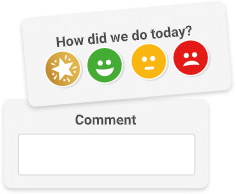
Customer satisfaction (CSAT) surveys measure customer satisfaction with a particular product, service or interaction. A simple survey might ask a single satisfaction question, while additional questions can explore areas such as service quality or ease of use.
Net Promoter Score (NPS) QR code surveys
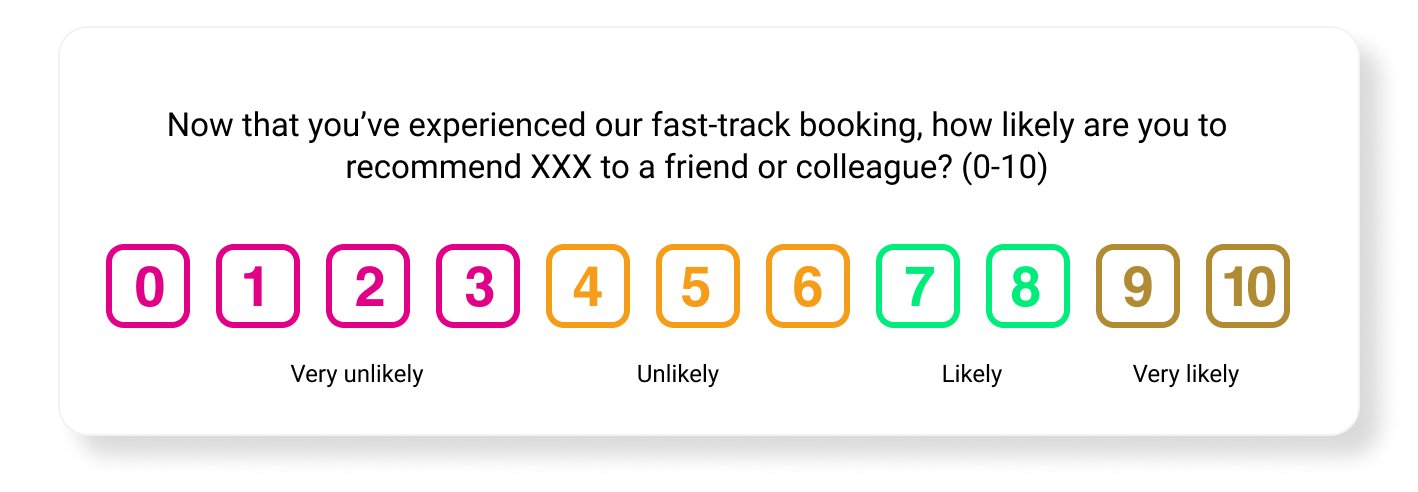
QR codes can also direct customers to NPS surveys. NPS uses a single core question about a customer’s likelihood of recommending a product, service or organization.
Event QR code surveys
Use QR codes to collect attendee feedback at conferences, seminars, workshops and other events. QR codes can be positioned around a venue or included on event materials, allowing attendees to provide feedback without organizers needing their contact details.
Product feedback and improvement surveys
QR codes can be added to products and packaging to collect customer feedback, identify problems and gather suggestions for product or service improvements.
Employee QR code feedback surveys
QR codes can also be used to collect employee feedback, particularly in workplaces where employees are not desk-based or do not regularly use email.
Market research QR code surveys
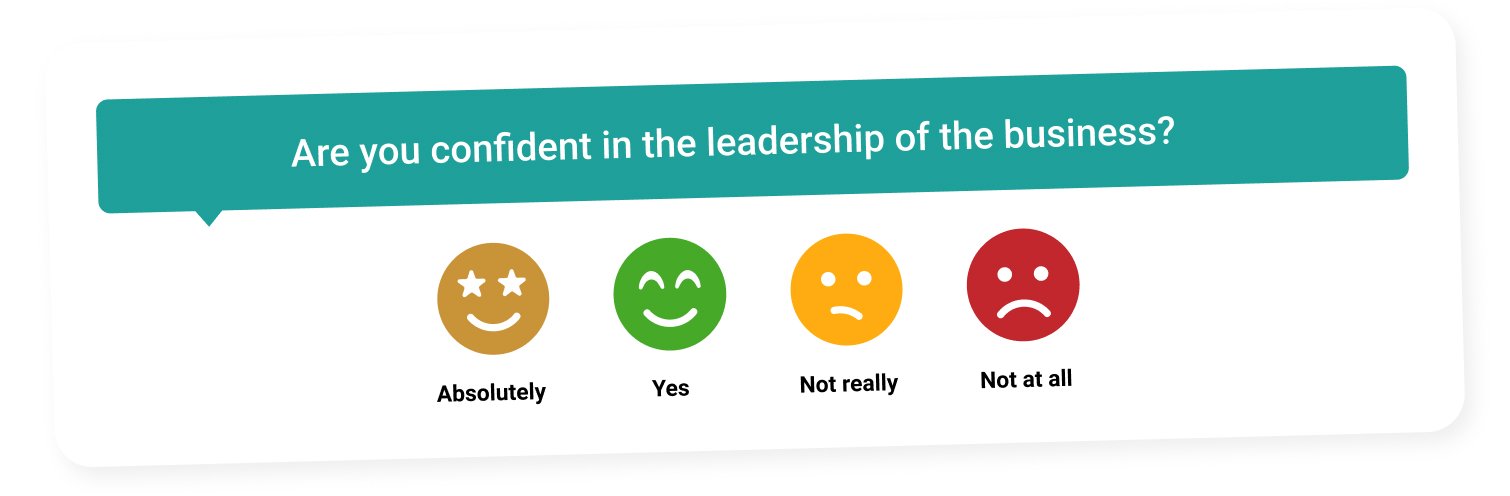
Market research surveys can gather insights into consumer preferences, buying behaviour, brand perception and market trends. QR codes can make these surveys accessible in relevant physical locations or at events.
QR code survey question examples
QR code surveys work particularly well when the survey is short and relevant to the experience the customer has just had. The questions you choose should depend on what you want to learn.
Customer satisfaction
How satisfied were you with your experience today?
- Very satisfied
- Satisfied
- Dissatisfied
- Very dissatisfied
Retail
How would you rate your experience in our store today?
- Excellent
- Good
- Fair
- Poor
Restaurant feedback
How satisfied were you with your meal and service today?
- Very satisfied
- Satisfied
- Dissatisfied
- Very dissatisfied
Event feedback
How would you rate your experience at today’s event?
- Excellent
- Good
- Fair
- Poor
Product feedback
How satisfied are you with this product?
- Very satisfied
- Satisfied
- Dissatisfied
- Very dissatisfied
Open feedback
What could we have done to improve your experience?
An open-text follow-up question can add useful context to a rating and help you understand why a customer gave their response.
How flexible is QR code survey design?
There are two aspects to QR code survey design:
- The design of the QR code itself.
- The design of the feedback survey that respondents see after scanning the code.
Check out these 10 golden rules of survey design for guidance on making the survey itself easy and engaging to complete.
Making your QR code stand out
While the traditional QR code consists of dark squares arranged on a light background, many QR code generators allow you to customize its appearance with colors, logos and other design elements.
Customization should never come at the expense of usability. Always test your QR code on different devices before publishing it to make sure it remains easy to scan.
How to create a QR code survey in 9 steps
Creating a QR code customer feedback survey is relatively straightforward. The steps below take you from deciding what you want to measure through to collecting feedback and acting on the results.
1. Define your objectives
Start by deciding what you want to learn or achieve. For example, you may want to understand product satisfaction, a customer service interaction or the overall experience at a particular location. Your objective should determine the questions you ask and where you place the QR code.
2. Decide where customers will encounter the QR code
Think about the context in which customers will see your QR code. Physical customer touchpoints can include in-store displays, packaging, receipts, printed materials, tables and signage.
Mapping your customer journey can help you identify the moments where asking for feedback makes the most sense.
3. Design your QR code survey
Use a survey platform like Customer Thermometer to create your customer feedback survey. Choose appropriate survey question types, use simple language and keep the survey concise and easy to complete on a mobile device.
4. Generate and customize your QR code
Once your survey is ready, use a QR code generator to create a code that links directly to the survey URL. You can customize its appearance to fit your brand, but make sure the finished code remains easy to scan.
5. Add relevant context where possible
You can use different QR codes or survey links for different locations, customer segments or touchpoints. This can make it easier to understand the context behind each response and compare feedback across different parts of the customer journey.
6. Test the QR code and its positioning
Before publishing the QR code, test it using different smartphones and screen sizes to make sure it reliably opens the correct survey.
Also test its physical placement. The code should be easy to see and scan without being obstructed or positioned somewhere inconvenient.
7. Launch and promote your QR code survey
Place the QR code at the relevant touchpoints and include a clear call to action explaining what you want customers to do and why.
8. Monitor and analyse survey responses
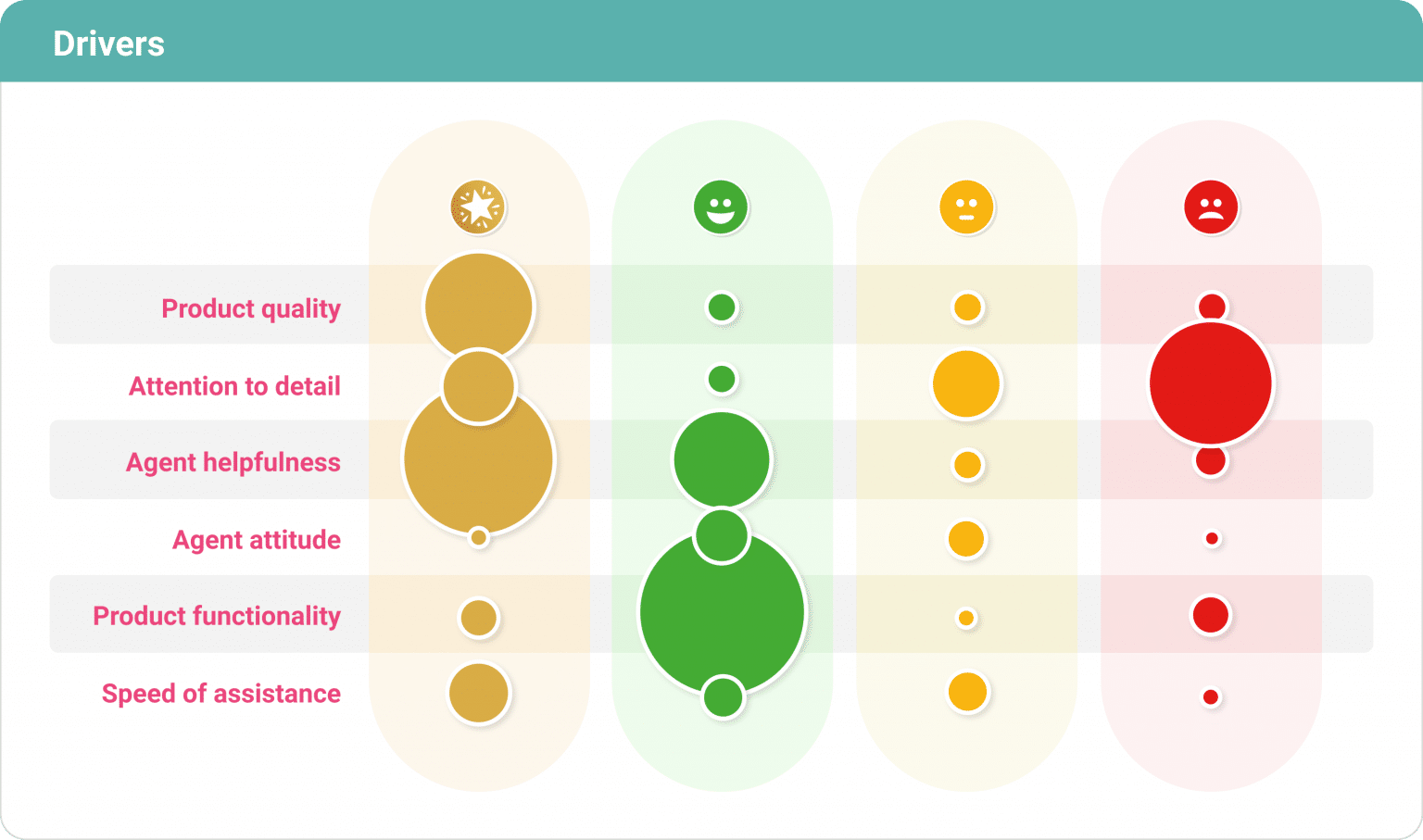
Once the survey is live, monitor the feedback you receive. Customer Thermometer’s reporting and analytics features can help you analyse responses and identify trends.
9. Communicate results and take action
Collecting feedback only becomes useful when you act on what you learn. Share relevant findings internally, follow up with customers where appropriate and use the feedback to identify areas for improvement.
QR code survey best practices
Making a survey accessible through a QR code does not automatically mean customers will complete it. The survey still needs to be relevant, easy to access and quick to answer.
- Provide clear instructions – Tell customers what will happen when they scan the code and what you want feedback about.
- Make it mobile-friendly – QR surveys are usually completed on smartphones, so make sure the survey is responsive and easy to use on a small screen.
- Keep effort low – Avoid turning a quick QR interaction into a lengthy questionnaire. A short one-question survey can be particularly effective.
- Use relevant context – Position the QR code close to the experience you want customers to rate.
- Make the code visible – Give the QR code enough space and contrast so customers notice it and can scan it easily.
- Use a clear call to action – Explain why customers should scan, for example “Tell us how we did” or “Rate your experience”.
- Test before launch – Check the QR code, survey flow and overall experience across multiple devices.
- Monitor performance – Track participation and adjust the placement, call to action or survey where necessary.
- Close the feedback loop – Where appropriate, follow up on feedback and demonstrate that customer responses are being used.
Keeping the experience simple is particularly important. Long surveys can lead to survey fatigue, undermining the convenience that made the QR code useful in the first place.
Once responses start coming in, use them to identify trends and act on individual feedback where appropriate. Closing the customer feedback loop can help demonstrate that feedback is being listened to rather than simply collected.
QR Code Survey FAQs
What is a QR code survey? +
A QR code survey is a digital survey that respondents access by scanning a QR code with a smartphone or other compatible device. The QR code links directly to the survey, making it easy to collect feedback at physical and digital customer touchpoints.
How do I create a QR code for a survey? +
First create your survey and copy its URL. Use a QR code generator to turn that URL into a QR code, then test the code before adding it to receipts, packaging, posters, signage or other customer touchpoints.
Can a QR code link directly to a survey? +
Yes. A QR code can contain the URL of your survey so that scanning it takes the respondent directly to the feedback page without requiring them to manually type or search for the link.
Where should I put a QR code for customer feedback? +
Place QR codes at relevant points in the customer journey, such as receipts, product packaging, restaurant tables, retail stores, posters, signage, hotel rooms, service locations and events. The best location is usually close to the experience you are asking the customer to rate.
Can you use a QR code for a customer satisfaction survey? +
Yes. QR codes can link directly to customer satisfaction surveys, allowing customers to rate a product, service or experience from their smartphone. They can also be used for NPS, event feedback, product feedback and other types of survey.
What questions should I ask in a QR code survey? +
Keep QR code survey questions short and relevant to the experience. Examples include “How satisfied were you with your experience today?”, “How would you rate our service?” and “What could we have done to improve your experience?” A simple rating question followed by an optional follow-up question can provide both a score and useful context.
(Post last updated October 1, 2026)
Start collecting customer feedback with Customer Thermometer
Make it easy for customers to tell you what they think. With Customer Thermometer, you can create simple, one-click surveys, collect feedback across customer touchpoints and see responses in real time.
Set up your survey, connect it to a QR code and start collecting feedback wherever your customers are.
By Elisabeth Brind Updated