
Turn everyday customer feedback into insight your MSP can act on
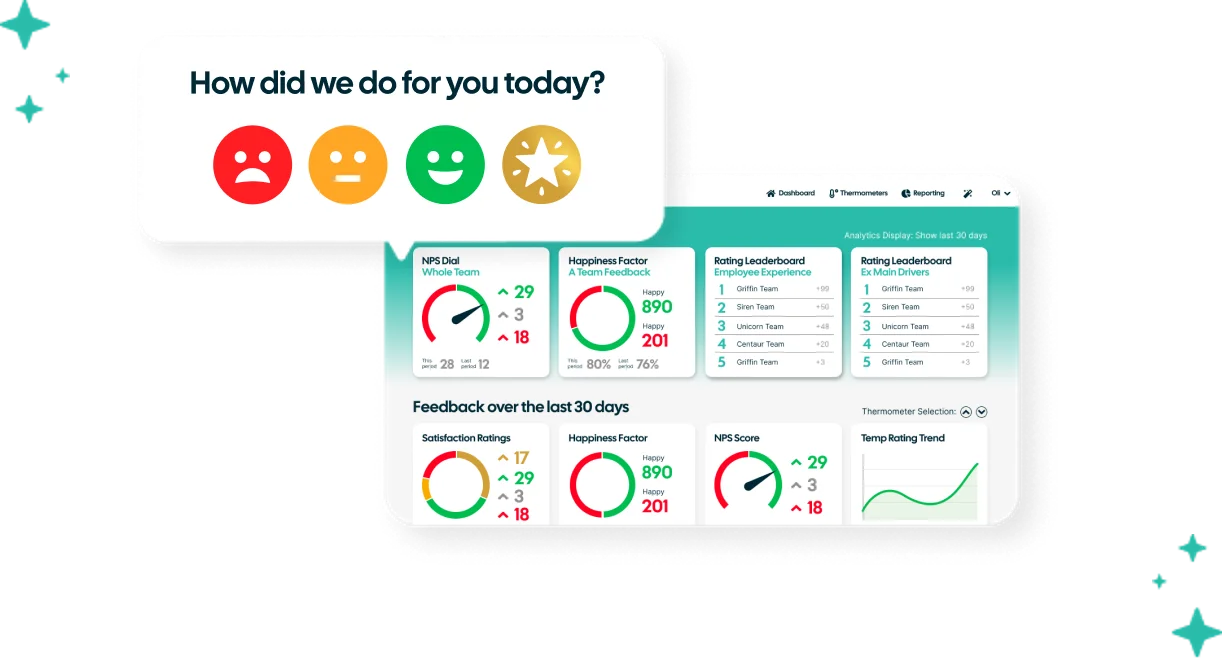
MSP customer satisfaction software helps managed service providers collect, understand and act on customer feedback across support tickets and the wider customer relationship.
Customer Thermometer makes this simple with one-click feedback at ticket closure, in email signatures and through regular customer check-ins. Real-time alerts, feedback drivers and reporting help you understand what customers are telling you, spot issues early and turn feedback into action.
Get set up for free in seconds – No credit card or development required
One-click feedback · Real-time alerts · Customer context · Actionable reporting
Trusted by over 10,000 teams with their customer feedback
View customer success storiesSetting the bar for MSP helpdesk support
“We were hugely impressed with Customer Thermometer’s modern and engaging interface, and the data we could glean at the touch of a button. The product is easy, clean to use and implement. It has truly enabled us to benefit from the gift of feedback in real-time.”


MSP customer feedback across every stage of the customer journey
From ticket closures to everyday emails and regular customer check-ins, Customer Thermometer helps you build a clearer picture of how customers feel across your MSP.
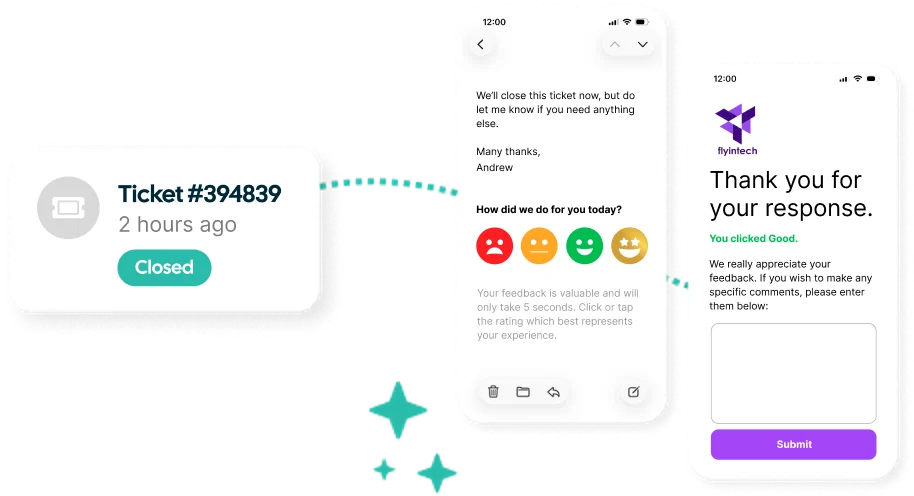
Collect customer feedback when support tickets close
Add one-click feedback directly to your existing ticket closure emails and give customers a quick, simple way to tell you about their experience.
Customer Thermometer connects responses with useful customer, technician and ticket information, giving your team the context they need to understand the feedback and decide what to do next.
Put customer feedback into the context your team already understands
Customer Thermometer works with the PSA tools your teams already use, including ConnectWise, Kaseya, Autotask, Freshdesk, Halo and many more.
Bring feedback together with customer, technician and ticket information so responses don’t sit in isolation and your team can understand what happened and take action.
Explore our integrations

Keep a pulse on customer relationships and projects
Ticket feedback tells you about individual support experiences. Regular customer check-ins and project feedback help you understand the wider relationship.
Ask stakeholders and decision-makers how they’re feeling, including the customers who may not interact with your service desk every day. Plus, gather feedback at key stages of your projects to understand how things are going.
 Create regular check-ins.
- Gather feedback at project milestones or on completion.
- Ask questions relevant to the relationship.
- Send feedback requests to selected customer groups.
- Spot changes in customer sentiment over time.
- Uncover concerns that might otherwise go unnoticed.
- Report separately or combine results with your other feedback channels.
Understand the customer experience beyond support tickets
Customer relationships don’t only happen inside your PSA.
Add one-click feedback to employee email signatures so sales, account management and other customer-facing teams can capture feedback during everyday conversations.
- Make Customer Thermometer part of your default email signature.
- Choose when and where you want to ask for feedback.
- Customize your question, icons and branding.
- Capture feedback from teams outside your service desk.
- Spot customers who may need attention.
- Recognize great customer interactions.
- Report on signature feedback separately or alongside your other feedback.
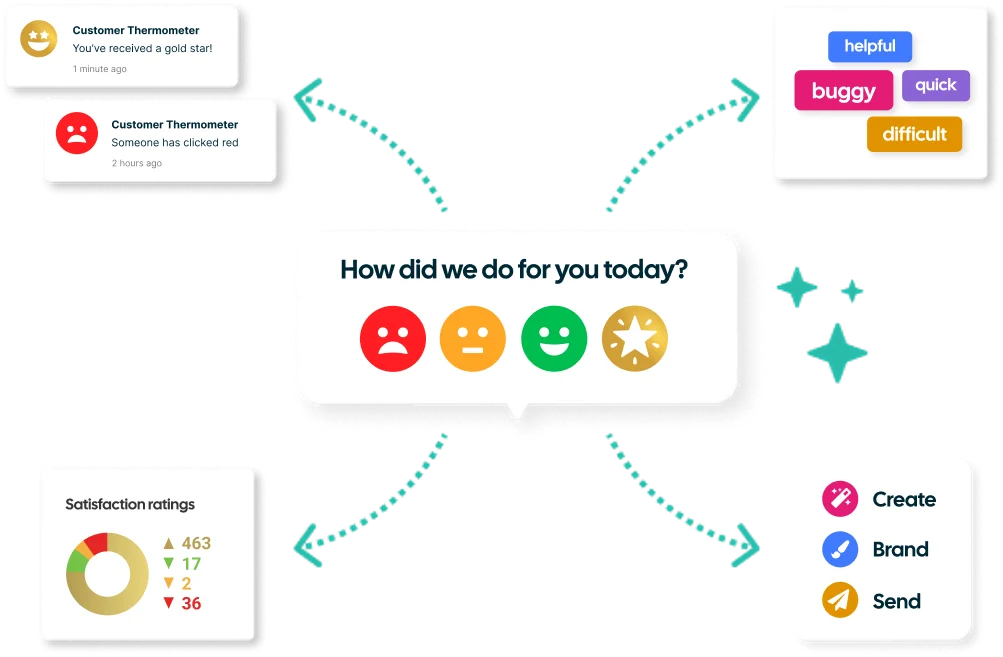
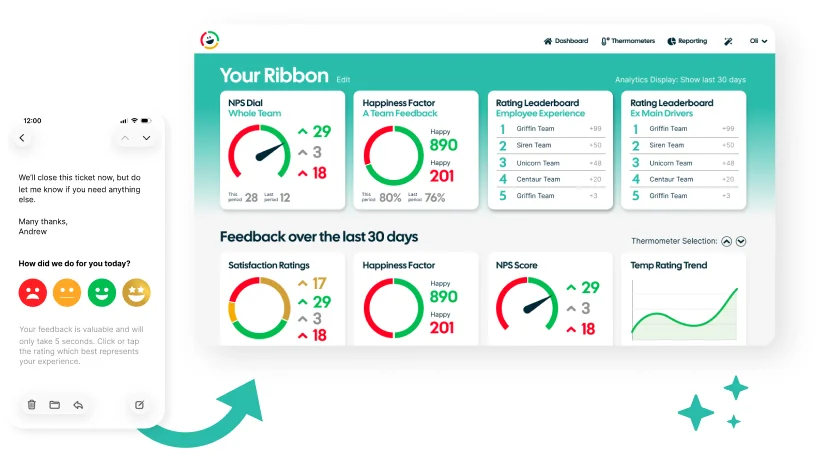
One click for your customer.
The context to act for your team.
Customers can share how they feel with a single click, while your team gets useful feedback they can understand and act on.
Why MSPs use Customer Thermometer
Customer Thermometer gives MSPs a simple way to capture feedback throughout the customer relationship and turn individual responses into useful customer insight.
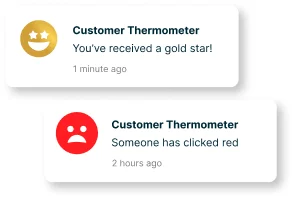
Spot customers who need attentionUse real-time alerts to identify feedback that needs a response.
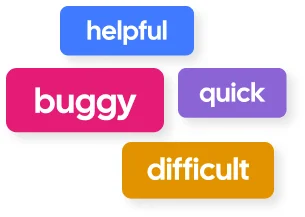
Understand why customers feel the way they doUse comments and feedback drivers to add context behind customer ratings.
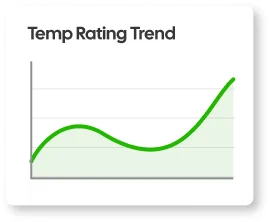
See patterns across your serviceUse reporting to track sentiment and identify trends across customers, teams and technicians.
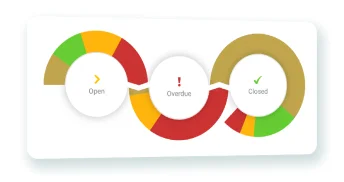
Close the loopFollow up on feedback and make customer responses part of your existing service workflows.
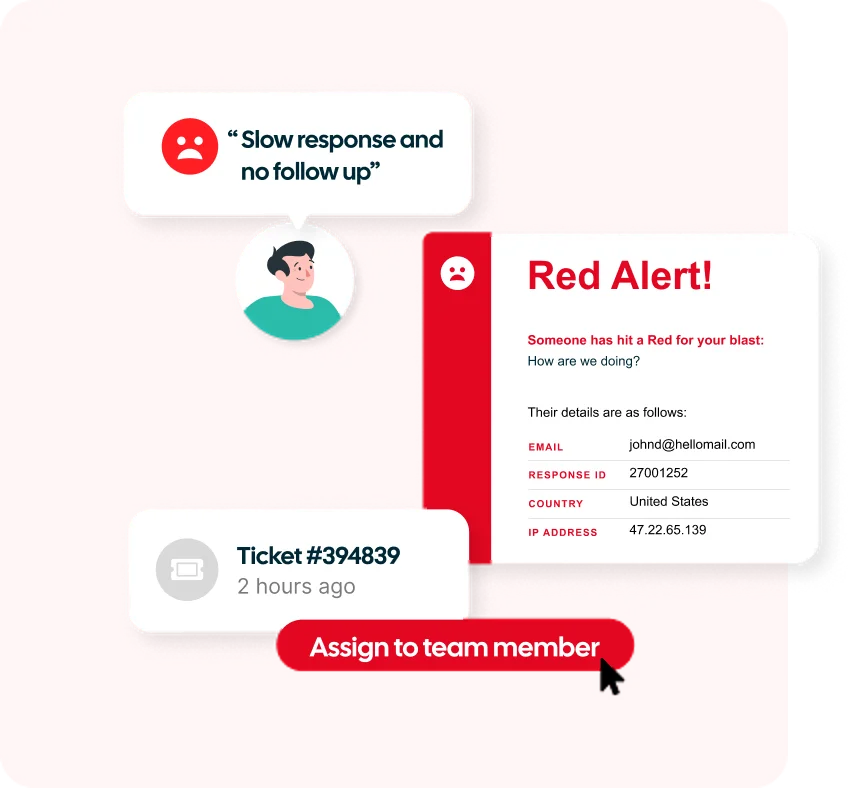
Turn feedback into action
Collecting feedback is only useful if your team knows what to do with it.
Customer Thermometer connects each response with useful customer context, helping your team understand who responded, what happened and where attention may be needed.
Use real-time alerts to respond quickly when something isn’t right, follow up with individual customers, recognize great service and identify recurring issues that could improve the wider customer experience.
MSP customer feedback reporting and insights
Individual responses matter, but the bigger picture matters too.
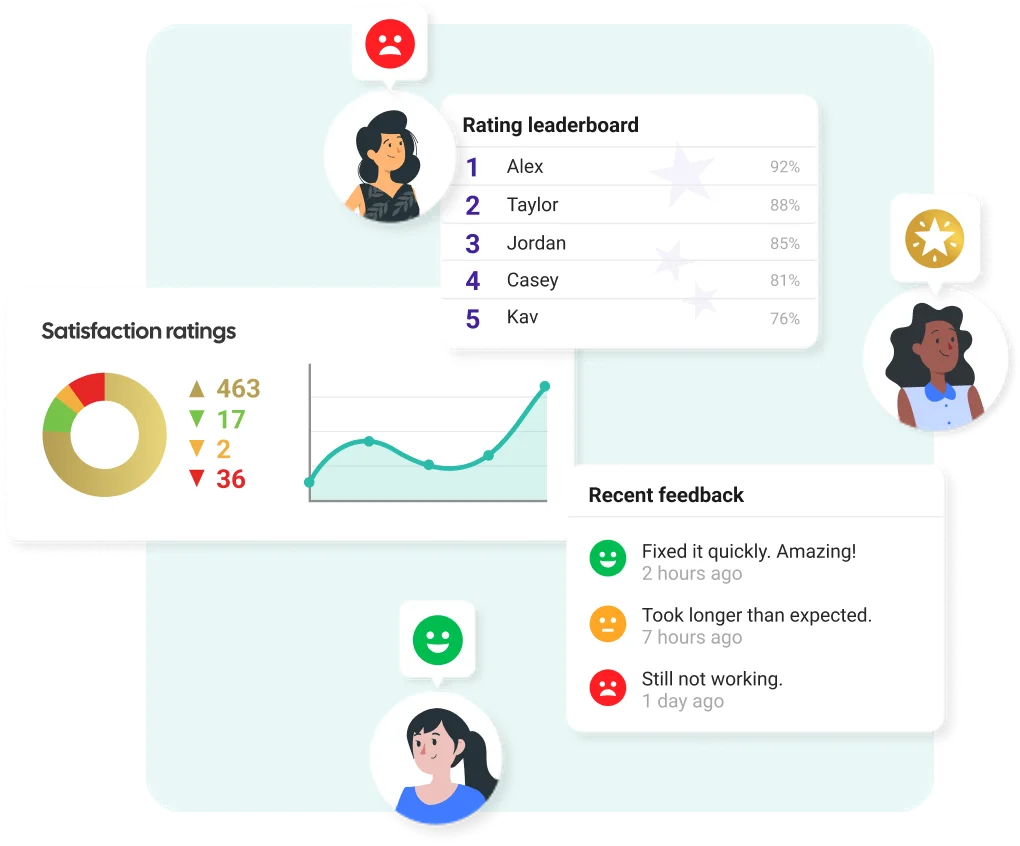
Customer Thermometer gives you ready-made reporting to track customer sentiment, identify trends and see where your team is performing well and where attention may be needed.
Use feedback drivers to understand why customers are happy or unhappy, compare performance across teams and technicians, and turn individual responses into insight you can use to improve your service.
Response data can also be written back into your ticketing tool, meaning that you can report on feedback within the platform your team already uses. Feedback appears as activity in the individual ticket, giving the agent visibility of the customer’s response.
Connect Customer Thermometer with the tools you already use
Bring feedback into the platforms your customer service, support and account teams use every day.
See All Integrations
ConnectWise
Write ratings and comments back to service tickets

Pulseway
Add surveys to Pulseway ticket threads

Atera
Embed feedback buttons into ticket closure emails

NetHelpDesk
Add feedback buttons to your NetHelpDesk tickets

Autotask
Trigger Thermometers in your service workflow

Kaseya
Get 1-click feedback on your agents’ ticket responses

Vorex
Get 1-click feedback on your agents’ ticket responses

Zendesk
Embed thermometers inside support emails

Freshdesk
Embed feedback buttons into support threads

Exclaimer
Email signature survey feedback using Exclaimer

Outlook
Embed feedback buttons inside email signatures
Connect feedback to your other tools
Webhooks are included in every Customer Thermometer plan, so you can automatically trigger actions in other applications when something happens in your account, such as a new feedback response.
Start turning customer feedback into action
Create your Customer Thermometer account today and start collecting useful, one-click feedback in minutes.

Get started quicklyCreate and send your first survey without a lengthy implementation project.

See feedback in contextUnderstand who responded and connect their feedback with useful customer and service information.
Act on what you learn
Use alerts, reporting and integrations to turn customer feedback into action.
Your first 10 responses are free. No credit card required.
Get an account and 10 surveys completely free.
-
 $
No Credit Card Required
Once you’ve tested us out, upgrade and receive a monthly credit allowance. -


Fully Functional Account
Start sending surveys which get results in the next 10 minutes. -

Be Prepared For Your Response Rate
Take action on all your feedback – you might be surprised just how much you will get.
Frequently asked questions
What is an MSP customer satisfaction survey? +
An MSP customer satisfaction survey helps managed service providers understand how customers feel about their service. Customer Thermometer lets MSPs collect feedback after support tickets are closed, through employee email signatures and with regular customer check-ins.
How can MSPs collect customer feedback? +
MSPs can collect feedback at different points in the customer relationship, including after support tickets are resolved, during everyday email conversations and through regular customer satisfaction check-ins. Using multiple touchpoints can provide a broader view of the customer experience.
Can I collect CSAT feedback when a support ticket closes? +
Yes. Customer Thermometer can add one-click feedback icons to ticket closure emails, allowing customers to rate their experience directly from the email. Responses can include information such as the customer, technician and ticket number.
Does Customer Thermometer integrate with PSA software? +
Absolutely! Customer Thermometer integrates with PSA and service management platforms including ConnectWise, Autotask, Kaseya, Zendesk and many others. Depending on the integration, feedback and comments can also be connected with ticket and customer information. View our integrations here.
How can MSPs act on customer feedback? +
MSPs can use real-time alerts to identify customers who need attention, follow up on negative experiences, recognize positive service interactions and use reporting to identify patterns in customer sentiment over time.
Can I survey customers who don’t submit support tickets? +
You can indeed. Customer Thermometer can collect feedback through employee email signatures and regular customer check-ins, helping MSPs understand the experience of stakeholders and decision-makers who may not regularly interact with the service desk.
What is the difference between an MSP CSAT survey and a ticket closure survey? +
A ticket closure survey measures a customer’s experience with a particular support interaction. Broader MSP CSAT surveys can be used to understand how customers feel about the overall service and relationship, including stakeholders who don’t regularly submit support tickets.
What customer satisfaction metrics should an MSP track? +
MSPs should track a mix of customer satisfaction metrics, including CSAT, NPS, customer sentiment and feedback trends over time. It’s also useful to look at what’s driving positive and negative feedback, how satisfaction varies across customers, teams and technicians, and whether issues are being followed up and resolved.